
NVIDIA RAID Installation Guide

This document introduces how to set up RAID functionality on NVIDIA motherboards, including BIOS RAID and Windows RAID
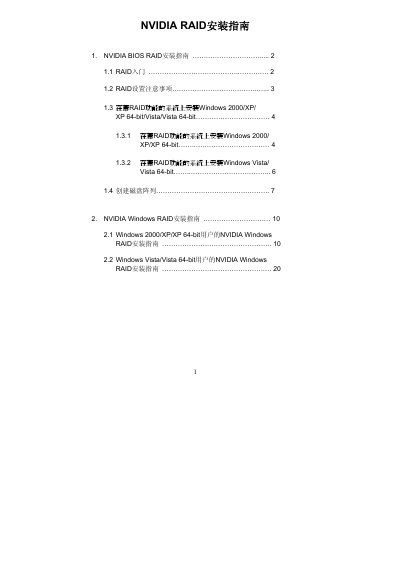

NVIDIA RAID Installation Guide - cover page
Brand
Nvidia
Document type
User Manual
Language
Chinese
Pages
25
File format
PDF
File size
2.4 MB
Published
05 June, 2012
Updated
30 September, 2023
MD5 checksum
49FA0D8E6EB940DC9C9CEFE6807950B4

About this manual

This guide explains how to configure RAID functionality using the NVIDIA RAID Utility program within a BIOS environment. It details steps for creating RAID arrays, including selecting appropriate modes based on hardware capabilities.

The document also covers the installation process for NVIDIA Windows RAID drivers on various Windows versions (2000/XP/Vista). It includes instructions for launching the NVRAIDMAN utility to create, delete, or rebuild arrays and formatting the resulting volumes. This manual is written in Chinese.

What's inside

  • RAID Introduction
  • RAID Configuration Precautions
  • Installing Windows on RAID Systems
  • Creating Disk Arrays in BIOS
  • NVIDIA Windows RAID Installation
  • Initializing NVRAID Array Disks

Frequently asked questions

What is the recommended default value for Striping Block size?

The recommended default value is Optimal, which corresponds to 64KB.

Which key should be pressed to enter the BIOS setup program?

You should press the key to enter the BIOS setup program.

Which key is used to save changes in the RAID Utility window?

Press the key to save the changes made to the RAID array.

Download PDF (2.4 MB)

More Nvidia Manuals


View all Nvidia manuals →