
This document is the NVIDIA BIOS RAID installation guide, which describes how to configure RAID functions in BIOS environment using NVIDIA RAID Utility.
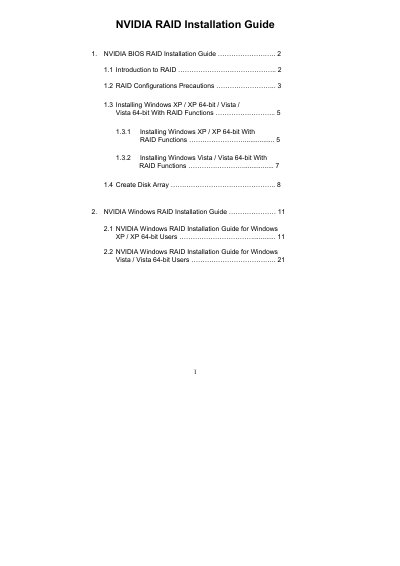
This guide explains how to set up NVIDIA BIOS RAID using the NVIDIA RAID Utility in a BIOS environment. It covers enabling RAID mode in the BIOS, creating driver diskettes, and configuring various RAID levels (RAID 0, RAID 1, RAID 0+1, RAID 5, JBOD) based on the number of SATA/SATAII ports on the motherboard.
Step‑by‑step instructions are provided for installing Windows XP, Windows XP 64‑bit, Windows Vista and Vista 64‑bit with RAID enabled, including BIOS settings, driver loading, and post‑installation disk management. The document also details stripe size selection, disk assignment, and final partitioning of the newly created RAID array.
| Supported RAID modes | RAID 0, RAID 1, RAID 0+1, RAID 5, JBOD |
|---|---|
| Default stripe size | 64 KB |
| Stripe size range | 8 KB – 128 KB (8, 16, 32, 64, 128 KB) |
| Minimum drives for RAID 5 | 3 identical hard disks |
Enter the BIOS Setup Utility, go to the Advanced screen, and set the “SATA Operation Mode” option to [RAID].
The default stripe size is 64 KB, which is recommended unless a different size is required.
You can, but the smaller drive will limit the total usable capacity of the array.
Yes, the guide warns to back up your data before creating RAID functions.