
Introduces the installation and use of NVIDIA RAID
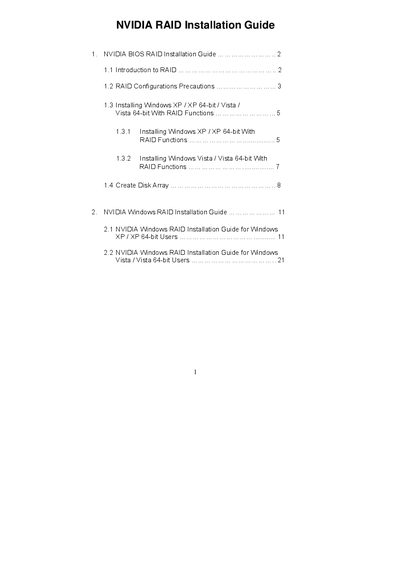
The NVIDIA RAID Installation Guide provides step‑by‑step instructions for setting up RAID modes (RAID 0, RAID 1, RAID 0+1, RAID 5, JBOD) in the BIOS, creating disk arrays, and preparing driver diskettes. It covers both Windows XP/XP 64‑bit and Windows Vista/Vista 64‑bit installations, including BIOS configuration, driver selection, and array initialization.
Additional sections describe RAID concepts such as data striping, mirroring, and parity, as well as precautions for drive selection and data backup before creating RAID arrays. The guide also includes a MediaShield setup wizard for finalizing the RAID configuration.
| RAID BIOS version | 4.81 |
|---|---|
| Supported RAID modes | RAID 0, RAID 1, RAID 0+1, JBOD, RAID 5 |
The utility supports RAID 0, RAID 1, RAID 0+1, RAID 5 and JBOD.
Enter the BIOS Setup Utility, go to the Advanced screen, IDE Configuration, and set the “SATA Operation Mode” option to [RAID].
You need to install the NVIDIA RAID Driver and the NVIDIA nForce Storage Controller driver.
Back up your data and select “Yes” when prompted to clear disk data, then proceed with the RAID configuration.