
This is an installation guide that introduces how to use the RAID feature provided by NVIDIA.
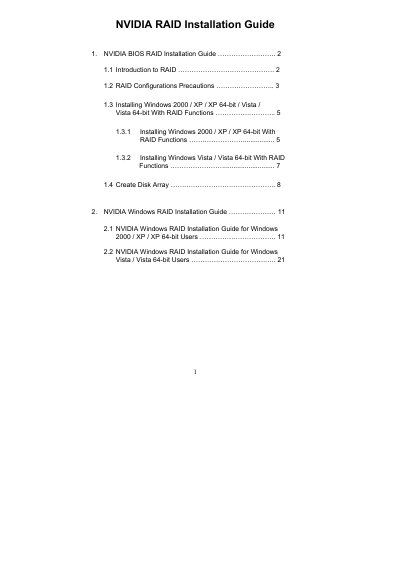
This guide explains how to set up NVIDIA RAID functions using the NVIDIA RAID Utility in the BIOS and under Windows. It covers RAID concepts, configuration precautions, driver preparation, and detailed procedures for creating various RAID arrays such as RAID 0, RAID 1, RAID 0+1, RAID 5 and JBOD.
The document also provides OS‑specific installation steps for Windows 2000, XP, Vista and their 64‑bit versions, including driver diskette creation, BIOS settings, and post‑installation disk management.
| Supported RAID modes | RAID 0, RAID 1, RAID 0+1, RAID 5, JBOD |
|---|---|
| Default stripe size | 64 KB |
| Minimum drives for RAID 5 | 3 identical drives |
Enter the BIOS Setup Utility, go to the Advanced IDE Configuration screen, and set the “SATA Operation Mode” option to [RAID].
Leave the stripe size at the default value of 64 KB, which is optimal for most configurations.
No. When drives differ in size, the smaller drive determines the usable capacity for the entire array.