
NVIDIA BIOS RAID Installation Guide describes how to use NVIDIA RAID Utility to configure RAID functions in BIOS environment
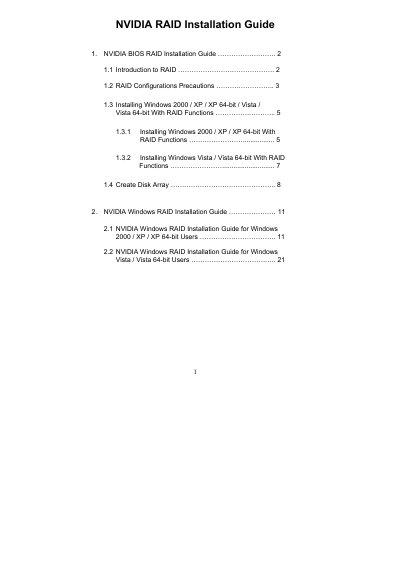
The document provides an overview of RAID concepts, the different RAID configurations supported by NVIDIA RAID Utility, and precautions for creating RAID arrays. It describes the supported RAID modes (RAID 0, RAID 1, RAID 0+1, JBOD, RAID 5) and recommends using identical drives for optimal performance.
Step‑by‑step instructions cover setting the SATA operation mode to RAID in the BIOS, creating driver diskettes, loading NVIDIA RAID drivers during Windows installation, and using the NVIDIA RAID Utility to define and format new RAID arrays. The guide also includes details on stripe size selection and post‑installation disk management.
| Supported RAID modes | RAID 0, RAID 1, RAID 0+1, JBOD, RAID 5 |
|---|---|
| Default stripe size | 64KB |
| Minimum drives for RAID 5 | 3 identical hard disk drives |
Enter the BIOS Setup Utility, go to the Advanced screen IDE Configuration, and set the “SATA Operation Mode” option to [RAID].
The default optimal stripe size is 64KB, which is recommended for RAID 0.
Yes, the guide warns to back up your data before creating RAID functions.
The guide covers Windows 2000, Windows XP, Windows XP 64‑bit, Windows Vista, and Windows Vista 64‑bit.