
This document is the NVIDIA RAID Installation Guide, which introduces how to use the NVIDIA RAID Utility program in the BIOS environment to set up RAID functions
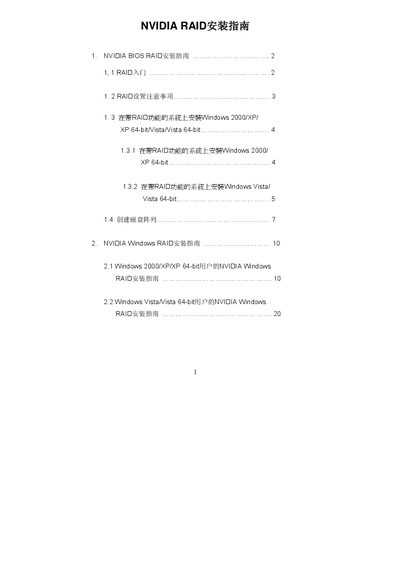
The document provides instructions for installing Windows operating systems (Windows 2000/XP/Vista) on systems equipped with NVIDIA RAID-capable SATA or SATAII hard drives. It details the process of setting up the necessary drivers and configuring BIOS settings to enable RAID functionality before OS installation.
Additionally, the guide covers the creation of various RAID arrays using the NVIDIA RAID Utility program accessible via the BIOS setup menu. It explains different RAID levels including RAID 0 (Striping), RAID 1 (Mirroring), RAID 0+1 (Stripe Mirroring), JBOD (Spanning), and RAID 5, along with specific steps to define new arrays within the utility interface. This manual is written in Chinese.