
This manual introduces AMD RAID BIOS and Windows installation methods to help users install RAID on AMD motherboards.
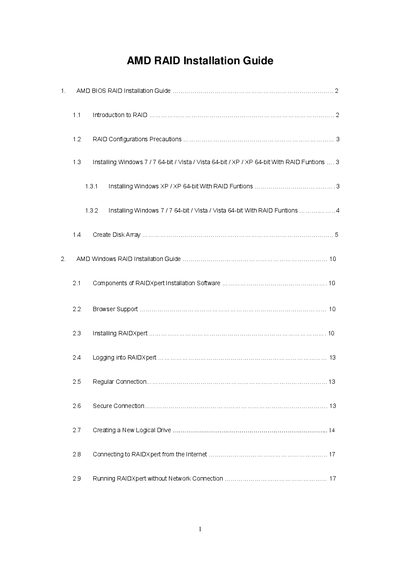
This guide explains how to enable RAID functions in the AMD BIOS, create RAID or JBOD logical drives, and install Windows operating systems with RAID support. It covers RAID levels, configuration options, and the use of the RAIDXpert management utility.
The document also provides detailed procedures for driver diskette creation, BIOS setup, logical‑drive definition, and network or offline use of RAIDXpert, helping both end users and administrators manage RAID arrays safely.
| Stripe Block Size options | 64 KB, 128 KB |
|---|---|
| Write Cache policy | None |
| Gigabyte Boundary policy | GigaByte Boundary (default) |
Enter the BIOS Setup Utility, go to the Advanced → Storage Configuration screen and set the “SATA Operation Mode” option to [RAID].