
This document contains product safety instructions, including product identification and supply rating, important safety instructions, etc.
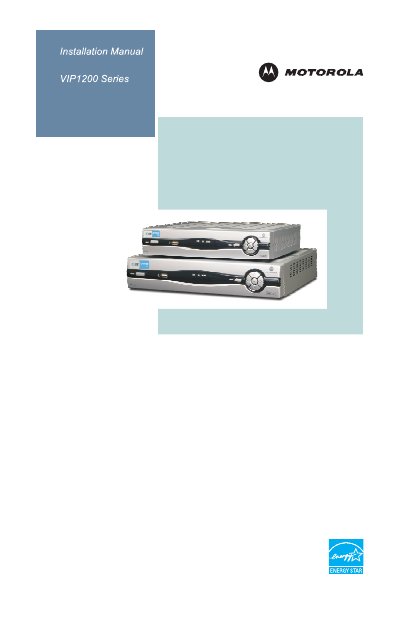
This manual introduces the Motorola VIP1200 series high‑definition TV receiver, outlines important safety warnings, and explains the front‑panel controls and rear‑panel connectors. It also describes the different models (VIP1200, VIP1216, VIP1225) and their physical differences.
The guide provides step‑by‑step installation instructions, wiring diagrams for video and audio connections, how to power the unit on and off, change channels, adjust volume, use the program guide, and record connections. A troubleshooting section helps resolve common issues such as power or audio problems.
| HDMI output | Connects to a High‑Definition TV or home theater receiver |
|---|---|
| Network Ethernet | 10/100Base‑T RJ‑45 port for IP video output |
| USB 2.0 connector | Front‑panel and rear‑panel USB 2.0 ports |
| Component video output (Y Pb Pr) | RCA component video outputs to an HDTV |
| Optical (Toslink) audio output | S/PDIF digital audio to a home theater receiver |
| RCA audio output | Left and right stereo audio outputs |
| Power indicator | Green light when the receiver is on |
| HD indicator | Blue light when receiving a High‑Definition program |
Press the POWER button on the front panel; a short press (less than five seconds) toggles power, while holding for five seconds or longer restarts the receiver.
Verify the AC power cord is connected, plug the receiver back into the outlet, and press the POWER button. Also check that the outlet is not switched and that the remote’s batteries are not depleted.
Use the HDMI connector or the component video (Y Pb Pr) RCA outputs to connect the receiver to an HD‑capable TV.
On a DVR model it shows that a program is being recorded; on a non‑DVR model it indicates that a DVR on the home network is recording.