
Motorola Remote Control User Guide, provides instructions on how to replace batteries and control other devices.
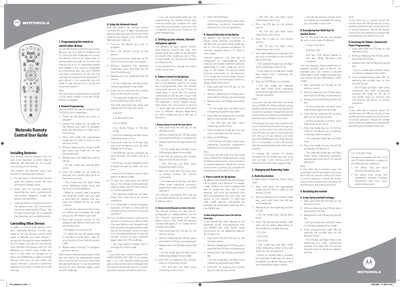
The manual begins with battery installation instructions, specifying that the remote requires two AA (1.5 V) alkaline batteries and describing how to open the battery compartment and test the STB key.
It then covers programming the remote to control TV, DVD, and AUX devices, including manual code entry, automatic search, and options for volume, channel, and power control, as well as how to reset the remote to factory defaults.
| Battery type | AA (1.5 V) alkaline |
|---|---|
| Battery replacement interval | Every nine months |