
This document is a user guide for the QIP2500 series set-top terminal, providing safety precautions and operating instructions.
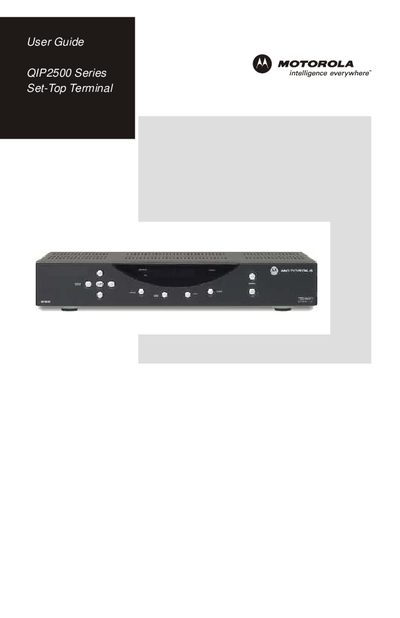
This guide introduces the QIP2500 digital set‑top terminal, covering safety warnings, FCC compliance, and proper installation. It explains how to connect the unit to a TV, VCR, or home‑theater system and describes the front‑panel controls, remote operation, and basic functions such as the Electronic Program Guide and audio/video modes.
The manual also details troubleshooting procedures, including checks for power, input source, cable connections, and signal reception. Contact information for Motorola technical support and licensing notices are provided at the end of the document.
Verify that the TV is powered on and set to the appropriate input source for the set‑top.
Do not remove the cover and do not use a polarized plug with an extension cord.
Call Motorola Support at 1‑866‑668‑2271 or 1‑866‑MOT‑BCS1.