
The Motorola DRC800 4-in-1 Universal Remote Control User Guide provides an overview of the functions and features of the remote control. It can operate Motorola or other manufacturer's cable set-top box and up to three other devices, and offers advanced features such as Digital Video Recording (DVR) control and Picture-in-Picture (PIP) support.
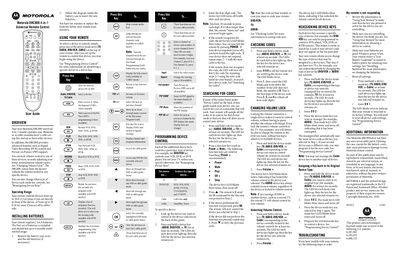
The DRC800 universal remote controls up to four devices, including cable set‑top boxes, DVD/VCR, audio and TV, with advanced features such as DVR control and Picture‑in‑Picture. It operates up to 50 ft (15 m) directly in front of a device and up to 20 ft (6 m) from the side.
The guide covers battery installation, selecting and programming device keys, changing volume lock, reassigning keys, and troubleshooting steps. It also notes that the remote has no user‑serviceable parts and provides a reset procedure to restore factory settings.
| Operating range (front) | up to 50 ft (15 m) |
|---|---|
| Operating range (side) | up to 20 ft (6 m) |
| Battery type | 2 AAA |
| Battery life | up to 6 months (normal usage) |
| User‑serviceable parts | None |