
This document is the AMD RAID installation guide, which explains how to configure RAID functions in the BIOS environment. By creating a SATA3 driver diskette and setting the option to RAID mode in the BIOS setup, you can use the onboard RAID Option ROM Utility to configure RAID.
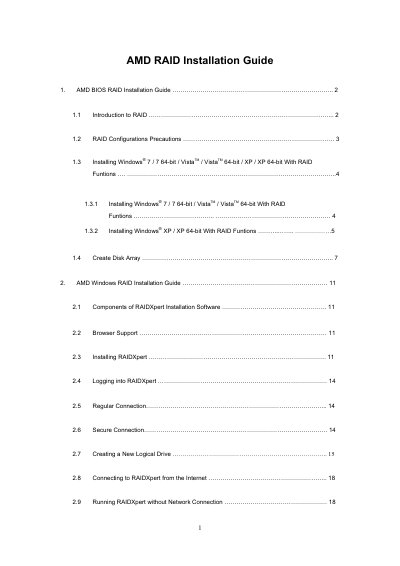
This guide provides step‑by‑step instructions for configuring RAID in the AMD BIOS. It covers entering the BIOS, setting the SATA mode to RAID, creating disk arrays, and selecting RAID levels such as RAID 0, 1, 5, and 10.
The second part describes the AMD RAIDXpert software for Windows. It details browser requirements, installation steps, logging in, and creating logical drives, including options for stripe block size, write‑cache policy, and initialization settings.