
Key facts
- Brand
- Nvidia
- Model
- SB950
- Category
- Other device
- Documents
- 2
- Languages
- EN
- Last added
- 2012-05-02
Start here
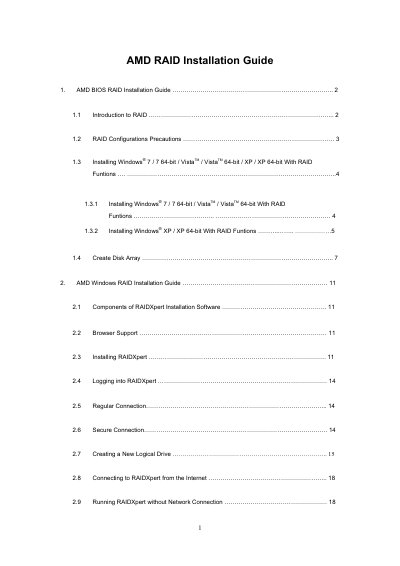
AMD SB950 RAID Installation Guide
This guide provides step‑by‑step instructions for configuring RAID in the AMD BIOS. It covers entering the BIOS, setting the SATA mode to RAID, creating disk arrays, and selecting RAID levels such as RAID 0, 1, 5, and 10.
The second part describes the AMD RAIDXpert software for Windows. It details browser requirements, installation steps, logging in, and creating logical drives, including options for stripe block size, write‑cache policy, and initialization settings.
Nvidia SB950 specifications
| Supported RAID levels | RAID 0, RAID 1, RAID 5, RAID 10, RAID Ready, JBOD |
|---|---|
| Maximum physical drives | 4 |
| Supported browsers for RAIDXpert | IE 6.0, Mozilla Suite 1.7, Firefox 1.0, Netscape 7.1 |
| Stripe block size options | 64 KB or 128 KB |
| Write cache policy | None |
All Nvidia SB950 documents by type
Mounting, wiring and first power-up. Read it before the hardware goes in.
Questions answered in these manuals
How do I set the SATA mode to RAID in the BIOS?
Enter the UEFI Setup Utility, go to Advanced → Storage Configuration, and set the “SATA Mode” option to [RAID].
Which web browsers are required to run RAIDXpert?
RAIDXpert works with Internet Explorer 6.0, Mozilla Suite 1.7, Mozilla Firefox 1.0, or Netscape Navigator 7.1.