
This document is the user manual of Philips CD170/CD175, which mainly introduces the use methods of the product, including connecting the base, installing the headset, setting the country, setting the date and time, dialing, answering the call, adjusting the volume, turning on/off the headset, etc.
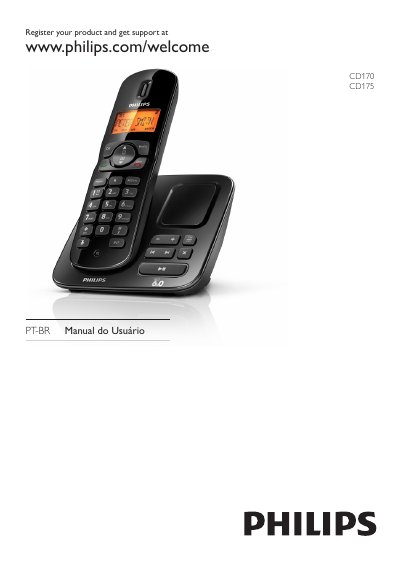
The manual provides step‑by‑step instructions for setting up the CD170/CD175 handset and base station, including connecting the charger, registering the handset, and configuring date, time, and display settings. It also covers call functions such as making, receiving, holding, transferring, and conference calls, as well as managing the agenda, call log, and redial list.
Technical data are listed, detailing power requirements, battery type, dimensions, weight, and operating temperature ranges. Safety information, compliance statements, and disposal guidelines are included to ensure proper use and environmental responsibility. This manual is written in Portuguese.
| Power supply input | 100‑240 V AC, 50/60 Hz, 200 mA |
|---|---|
| Power supply output | DC 6 V, 500 mA |
| Battery type | GP: PH50AAAHC AAA NiMH 1.2 V 500 mAh |
| Handset weight | 114 g |
| Handset dimensions | 164.45 × 28.25 × 46.15 mm (A × P × L) |
| Operating temperature | 0 °C to 35 °C |
The handset is out of range; bring it closer to the base station.
Check that the batteries are inserted correctly and that the handset is properly placed in the charger.
Set the language of the answering machine in the settings menu.
The handset may be too far from the base or near interfering electrical devices; move closer to the base and away from other electronics.