
This document is the user manual for the Philips DVP5100K DVD video player, providing quick tips and online support information.
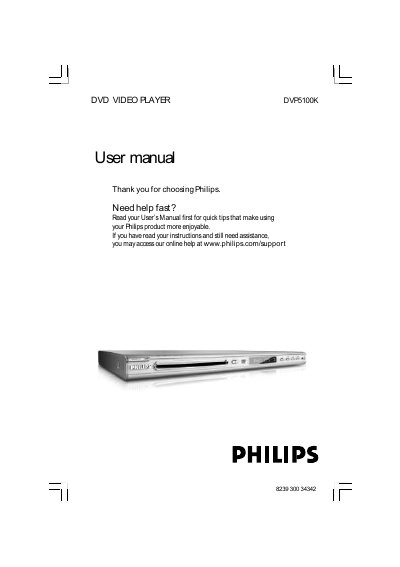
The Philips DVP5100K DVD Player manual provides step‑by‑step instructions for installing the unit, connecting it to a TV and audio system, and using the remote control. It includes safety warnings, power‑up procedures, and detailed guidance on video and audio settings such as progressive scan, component video, and Dolby surround.
Additional sections cover disc compatibility, menu navigation, special features like DivX and karaoke playback, and a comprehensive troubleshooting guide with solutions for power, picture, and sound issues. Technical specifications and a glossary of terms are provided at the end of the document.
| Dimensions (W × H × D) | 435 × 37 × 265 mm |
|---|---|
| Weight | Approximately 2.0 kg |
| Power consumption (normal operation) | < 10 W |
| Power consumption (standby) | < 0.8 W |
| Video DAC | 12‑bit, 108 mHz |
| Video output level | 1 Vpp — 75 Ω |
| Audio output connectors | L+R Cinch (white/red) |
| Digital audio output | Coaxial IEC‑60958 for CD‑DA/LPCM |
Connect the yellow composite video cable from the DVD player's CVBS (VIDEO) jack to the TV's video input, and use the white/red audio cables to connect the DVD player's AUDIO OUT (L/R) jacks to the TV's AUDIO IN jacks.
Make sure the AC power cord is firmly plugged in, then press the STANDBY ON button on the front of the DVD player to turn it on.