
The LTC 2600 Series Video Multiplexers are products manufactured by Philips Communication, Security & Imaging. This document provides installation instructions and important safety precautions for the product.
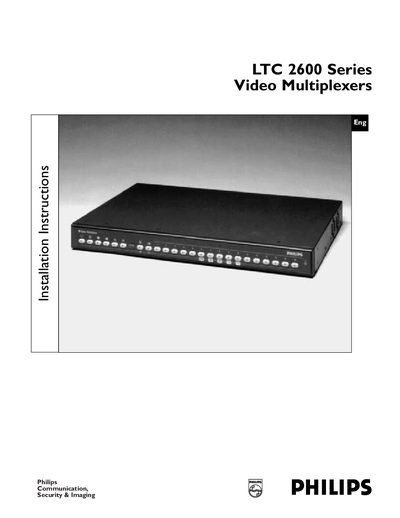
This manual begins with important safety safeguards, covering reading instructions, retaining them, and following warnings. It explains proper handling, grounding, power source requirements, and precautions against water, moisture, and electrical shock. Installation instructions detail mounting the desktop unit, optional rack‑mounting, and connecting peripherals such as cameras, monitors, and VCRs using the provided diagrams and accessory cables.
Programming sections describe three setup methods: QUICK SETUP for basic functions, ADVANCED SETUP for extended features, and System4 PROGRAMMING for System4‑specific capabilities. Operating instructions cover live display, recording, playback, combined modes, and security lockout. Appendices list specifications, special applications, factory defaults, programming reference, quick function keys, and accessory cable information.
| Rated Voltage | 120/230 VAC, 50/60 Hz |
|---|---|
| Voltage Range | 108 to 253 V |
Read all safety and operating instructions, retain them for future reference, heed all warnings, unplug the unit before cleaning, avoid water and moisture, and use only recommended accessories.
The unit is supplied as a desktop unit but can be rack‑mounted using the included rack‑mount kit.