
This is the user guide for the G355 and G955 DECT handsets, covering the handsets' feature overview, usage instructions, safety precautions, etc.
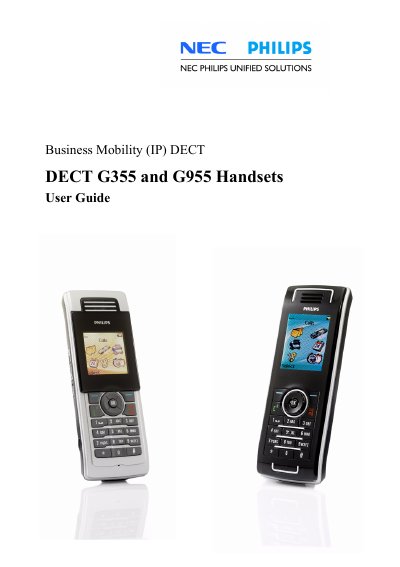
The guide introduces the NEC Business Mobility (IP) DECT G355 and G955 handsets, providing an overview of key functions, safety information, and regulatory details. It explains how to install accessories such as the MEM card, Bluetooth module, and battery pack, and describes charging procedures and power‑save settings.
Detailed sections cover call handling, messaging, contacts, calendar, alarms, and various system settings. Users can learn how to configure DECT system selection, manage profiles, adjust sound alerts, and use advanced features like central directory messaging and proxy passwords.
| MEM card | Removable memory card for handset settings, contacts, messages and subscriptions |
|---|
Install the MEM card by following the "Installing the MEM card and Bluetooth module" section of the guide.
Yes, you can select sending a message to a Central directory contact as a new feature in software version 1.56.
The proxy password can be defined in the Security options menu under "Changing the Proxy password".
A warning is displayed if the MEM card is placed incorrectly in the handset.