
SA3214 SA3215 SA3216 SA3224 SA3225 SA3226 SA3244 SA3245 SA3246 SA3265 SA3285 This product is a digital audio video player, the main functions include music, pictures, videos, radio playback. Support MP3, WMA, WAV, JPEG, BMP, AVI and other formats of file playback.
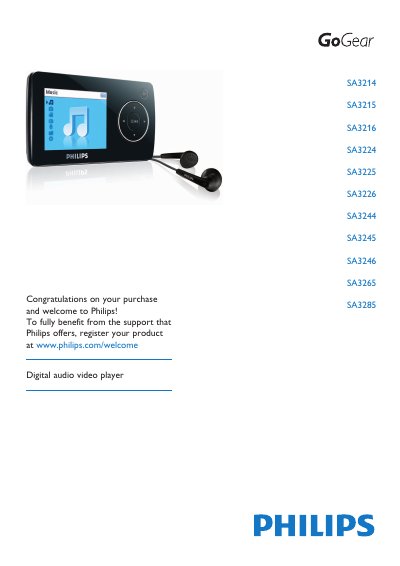
This manual covers the Philips SA3214‑SA3285 series of digital audio video players. It includes safety guidelines, a description of the device and its accessories, step‑by‑step instructions for installing, charging, transferring media, using music, picture, video, and radio functions, and details on updating the firmware.
Additional sections explain technical specifications, environmental disposal requirements, regulatory notices for the USA, Canada and the EU, and a FAQ with common troubleshooting tips such as resetting the player, supported audio formats, and volume safety advice. This manual is written in Chinese.
| Operating temperature | 0 °C to 35 °C |
|---|---|
| Storage temperature | -20 °C to 45 °C |
Make sure the headphones are fully inserted into the headphone jack.
The player supports MP3 and WMA files; DRM‑protected WMA tracks are not supported.
Insert a small pin into the reset hole at the bottom of the player and hold until it shuts down.
Recharge the battery for at least four hours before trying to power on again.