
This manual provides instructions for using the SpeechMike Classic / Pro / Pure / Barcode
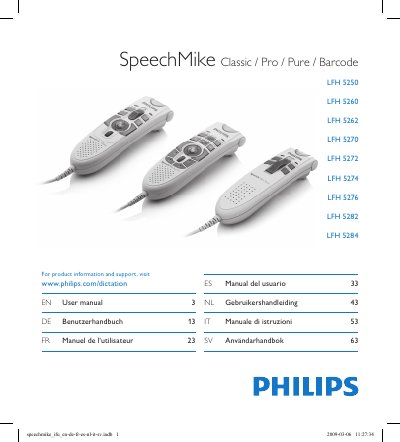
This manual introduces the SpeechMike series, lists the contents of the box, and outlines important safety precautions such as avoiding water exposure and short‑circuit risks. It details system requirements, installation steps, and advanced configuration using the Philips Device Control Center, allowing users to customize button functions.
Separate sections describe each model family (Classic, Pro, Pure, Barcode), the barcode scanner operation, technical specifications, troubleshooting tips for USB hub issues, and warranty information. Connectivity, environmental limits, and compliance statements are also included.
| Product dimensions (W x L x H) | 43 x 155 x 30 mm (1.7 x 6.1 x 1.2 in) |
|---|---|
| Weight (LFH5260/70) | 155 g / 5.5 oz |
| Operating temperature | 5 °C – 45 °C (41 °F – 113 °F) |
| Humidity range | 10 % – 90 % |
| Speaker acoustic frequency response | 200 Hz – 6 kHz |
| Output power | > 100 mW |
| Laser class | Class 1 |
| System requirements (CPU & RAM) | Pentium III 500 MHz, 256 MB RAM (recommended Pentium IV 1 GHz, 512 MB RAM) |
Run the Barcodeconfig.exe application from the installation CD to adapt the scanner to your local keyboard language.