
This is a user guide for the Philips multimedia projector cSmart Series. It provides information on the controls and connections of the projector, as well as the setup and installation process. It also includes important safety precautions.
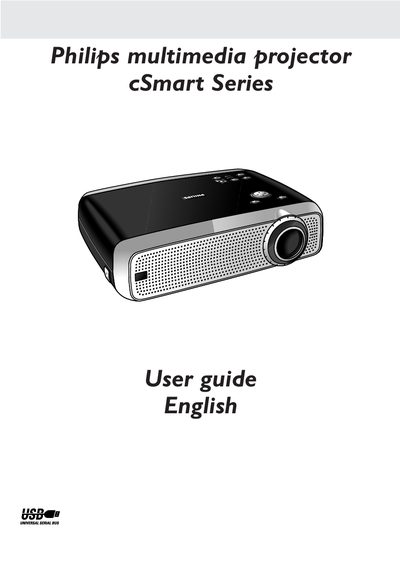
This guide introduces the Philips cSmart Series multimedia projector, describing its controls, connections, and key features such as keystone correction, auto standby and USB mouse control. It provides step‑by‑step instructions for installing the projector, adjusting focus, zoom, and screen size, and connecting to video, audio and computer sources.
Safety precautions, lamp replacement, filter cleaning, and routine maintenance procedures are detailed, along with troubleshooting tips for common issues. The manual also lists the packaging contents and regulatory compliance information.
| Screen size range | 21" (0.53 m) to 262" (6.6 m) |
|---|
Unplug the projector from the wall socket before cleaning or lamp replacement, then follow the lamp replacement steps in the Maintenance section.
Turn off and unplug the projector, avoid liquid cleaners, and use a soft dry cloth or a lightly dampened cloth with neutral detergent.
Use the Zoom ring to adjust the size of the projected image and the Focus ring to sharpen the picture.
Auto Standby automatically switches the projector to standby when no signal inputs are detected for 30 minutes, and the setting can be changed in the Settings menu.