
This document is about the safety precautions and maintenance information of the Philips 107S electronic user manual. The manual includes instructions for connecting and using the computer monitor, as well as troubleshooting and maintenance advice for the monitor.
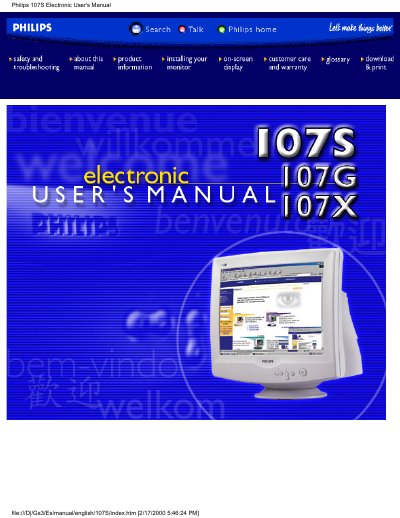
This electronic user manual covers the Philips 107S, 107G and 107X 17‑inch color CRT monitors. It includes safety and troubleshooting advice, detailed product specifications, installation instructions, on‑screen display controls, power‑saving features and warranty information.
The guide also provides technical data such as CRT size, dot pitch, scanning frequencies, video input details, power consumption, physical dimensions and pin assignments, helping users configure and maintain the monitor safely and efficiently.
| CRT size | 17 inch / 41 cm |
|---|---|
| Dot pitch | 0.27 mm |
| Horizontal scanning range | 30 – 70 kHz |
| Vertical scanning range | 50 – 160 Hz |
| Video dot rate | 108 MHz |
| Video input impedance | 75 Ω |
| Power consumption (active) | < 75 W |
| Dimensions (107S10/107S11/107G10) | 15.7" × 16.1" × 16.1" (399 × 410 × 408 mm) |
Disconnect the monitor from the power supply, then clean it with a slightly damp cloth; do not use alcohol or ammonia‑based liquids.
For the 107S10/107S11/107G10 models the size is 15.7" × 16.1" × 16.1" (399 × 410 × 408 mm).
The monitor can display up to 1280 × 1024, with a flicker‑free 1024 × 768 mode at up to 88 Hz.