
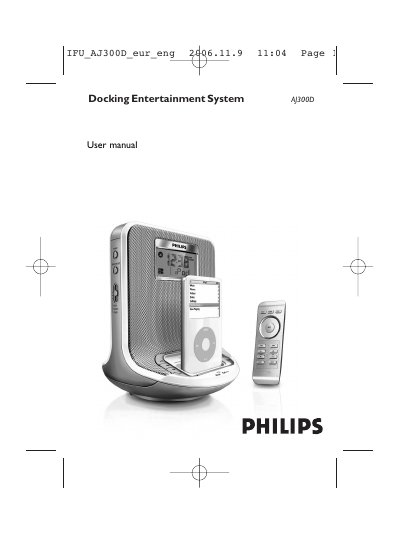
This manual covers the Philips AJ300D Docking Entertainment System, a clock‑radio with FM tuner, dock for Apple iPod and Philips GoGear players, and built‑in speaker amplification. It explains how to install the supplied AC/DC 18 V adapter, connect accessories, and operate the remote control.
Detailed sections describe the control layout, basic operation, clock and alarm settings, FM preset storage, docking procedures, maintenance, specifications, troubleshooting, and environmental disposal information.
| Frequency response | 80 Hz – 20 kHz |
|---|---|
| Sound pressure level | 90 dB @ 1 m |
Press and hold the TIME SET button until the clock digits flash, then use the 1/2 buttons to adjust hours, minutes, year, month and day, and press TIME SET to confirm each field.
Remove the plastic tab, pull out the battery tray, insert a new CR2025 battery with the correct polarity, and fully re‑insert the tray.
The system can store up to five FM radio stations in memory.
Check that the volume is not muted; press the MUTE button on the remote to reactivate playback.