
This document is a user manual for the 3118-1 MA0708-CkA watch, which describes the functions and operations of the watch, including setting the time and date, stopwatch mode, and world time mode. The watch has a display screen with white text on a black background or black text on a white background, and the buttons are represented by letters in the illustrations. It also features an automatic calendar function.
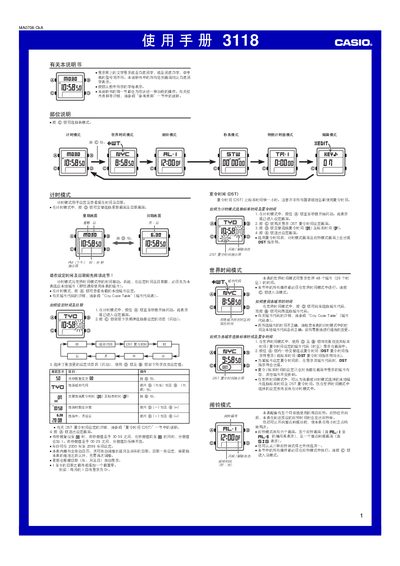
This manual covers the basic operation of the Casio 3118 watch. It explains how to set the current time and date, switch between time‑keeping and world‑time modes, and configure the five independent daily alarms. The document also describes the stopwatch, countdown timer, and edit mode where you can adjust sound settings and 12/24‑hour format.
Additional sections detail the city‑code table for world‑time settings, daylight‑saving time adjustments, and how the watch automatically returns to the previous screen after a period of inactivity. All button functions are illustrated with the corresponding symbols used on the watch face. This manual is written in Chinese.
| Display mode | black on white or white on black |
|---|---|
| Year setting range | 2000–2099 |
While in Timekeeping mode, press and hold @ to bring up the DST setting screen, then press @ to toggle between DST and standard time.
The stopwatch can count up to 59 minutes, 59.99 seconds before it rolls over to zero.