
This manual describes how to set the time for the 2351/2352 watch models.
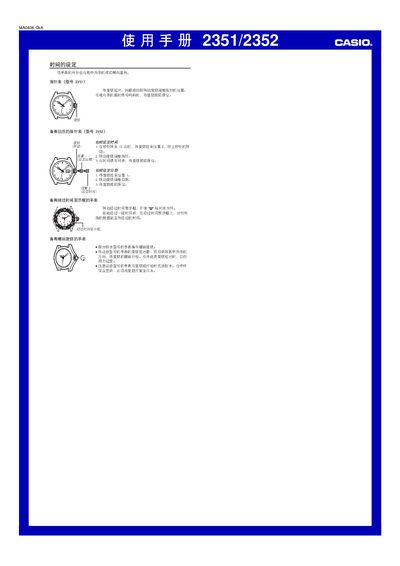
This manual describes the procedures for setting the time on Casio models 2351 and 2352. Pull out the crown, turn it forward or backward to adjust the hands, and push the crown back when the time is set.
It also covers setting the calendar on model 2352, adjusting the date, using the elapsed‑time display, and important water‑resistance precautions such as tightening the screw‑down crown after adjustments. This manual is written in Chinese.
| Water resistance | Some models have screw‑down crown |
|---|---|
| Elapsed‑time display | Available |
Pull out the crown, turn it forward or backward to adjust the hands, and push the crown back when the time is set.
Pull the crown to position 1, turn it to adjust the date, then push the crown back to its original position.
Rotate the elapsed‑time window and align the SF marker with the minute hand; after the interval, the minute hand indicates the elapsed minutes.
Do not overtighten the crown; after setting, ensure the crown is fully screwed down to maintain water resistance.