
This is a manual for a watch. It introduces how to use the timer mode, second time mode, stopwatch mode, countdown timer mode, and alarm mode.
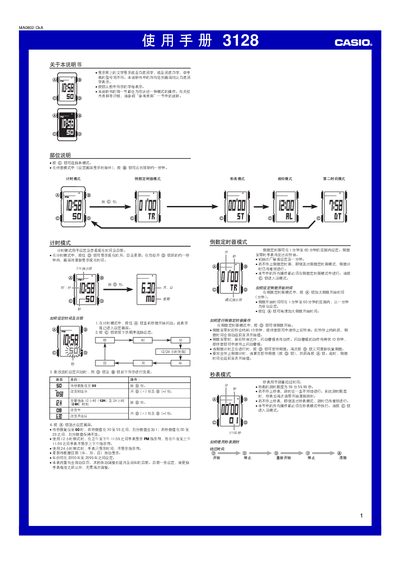
This manual provides step‑by‑step instructions for operating the Casio 3128 watch. It covers time‑keeping mode, how to set the current time, date, and weekday, and how to switch between 12‑hour and 24‑hour formats.
Additional sections describe the countdown timer, stopwatch, second‑time‑zone display, backlight operation, button‑press sounds, and flashing alerts. Reference information and safety notes are also included. This manual is written in Chinese.
| Year setting range | 2000‑2099 |
|---|---|
| Countdown timer range | 1‑60 minutes |
| Stopwatch maximum time | 59 min 59.99 s |
| Backlight type | EL (electroluminescent) panel |
In timekeeping mode, press and hold the button until the seconds flash to enter the setting screen, then use the buttons to change the hour, minute, month, day, and weekday.
The countdown timer can be set from 1 minute up to 60 minutes.
The stopwatch can measure up to 59 minutes 59.99 seconds.
Press the full‑button (全键) for about one second while not in a setting screen to illuminate the display.