
This document is an instruction manual for the manual 3149 1 MA0805-CkA. It introduces the different modes and functional operations of the watch, including the timer mode, alarm mode, etc. It also includes instructions on how to set the time and date, how to switch between 12-hour and 24-hour time formats, and how to set the alarm time. The watch has five independent daily alarms and an hourly chime function.
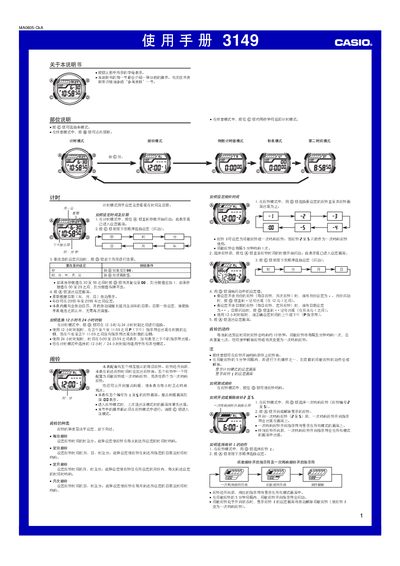
This manual covers the operation of the Casio 3149 wristwatch, including time setting, 12/24‑hour format selection, and the automatic calendar that adjusts month lengths and leap years. It also describes the five independent daily alarms, interval alarms, and the hourly chime feature.
Additional sections explain the countdown timer with optional auto‑repeat, the stopwatch with split‑time capability, and the backlight illumination for low‑light conditions. Reference information and troubleshooting tips are provided at the end of the document. This manual is written in Chinese.
| LED backlight | Yes |
|---|---|
| Year setting range | 2000‑2099 |
| Automatic calendar | Yes |
Activate the hourly chime by turning on the "整点响报" option, which makes the watch emit a sound at every hour on the hour.