
Instruction manual, introduces the use of the watch. The watch can display time, date, alarm clock, etc.
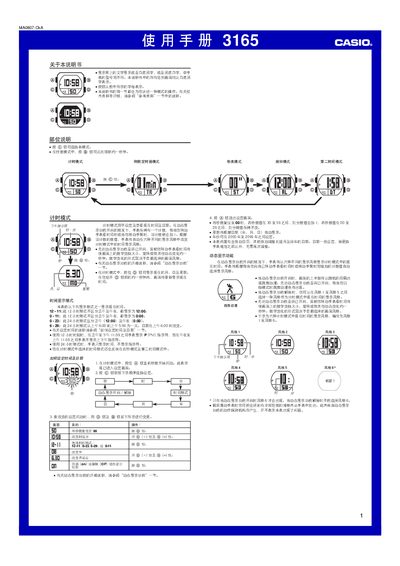
This manual explains how to operate the Casio 3165 watch. It describes the various modes such as Timekeeping, Countdown Timer, Stopwatch, Second Time Zone and Dynamic Display, and provides step‑by‑step instructions for setting the time, date, and display style.
The guide also covers auxiliary features like the two‑LED illumination, automatic return to Time mode, and the flashing alarm function, as well as reference information for technical details and troubleshooting. This manual is written in Chinese.
| Year setting range | 2000‑2099 |
|---|---|
| LED illumination | Two LEDs provide backlight |
In Timekeeping mode, press and hold the @ button until the seconds flash, then use the @ button to adjust hours, minutes, month, day and year.
Enter a mode, press @ repeatedly to open the Dynamic Display setting screen, then press @ to turn it on (ACTON) or off (OFF).
Press the illumination button to light the display for about one second; the light then flashes for roughly half a second before turning off.