
This is a user manual for a watch, which introduces the watch's usage methods, time setting, date setting, dynamic display function, etc.
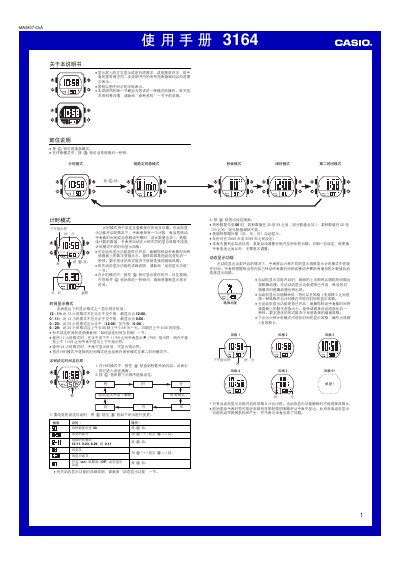
This manual describes the various operating modes of the Casio 3164 watch, including the standard time‑display mode, dynamic display styles, countdown timer, stopwatch, and a second‑time‑zone mode. Each mode’s button sequences are detailed, along with how to change settings such as 12‑hour/24‑hour formats and year range.
The guide also covers auxiliary features such as the built‑in LED illumination, automatic return to the time‑display mode after inactivity, and the audible alerts for alarms, countdown completion, and flashing warnings. Technical notes on battery usage and display behavior are provided. This manual is written in Chinese.
| 12‑hour format | does not distinguish AM/PM |
|---|---|
| 24‑hour format | distinguishes noon and midnight |
| Year setting range | 2000‑2099 |
| Stopwatch measurement resolution | 0.01 s (1/100 s) |
| Stopwatch maximum time | 59 min 59.99 s |
The stopwatch measures up to 59 minutes 59.99 seconds with a resolution of 1/100 second.