
This manual introduces how to use the watch, including how to set the time and date, alarm, stopwatch, etc.
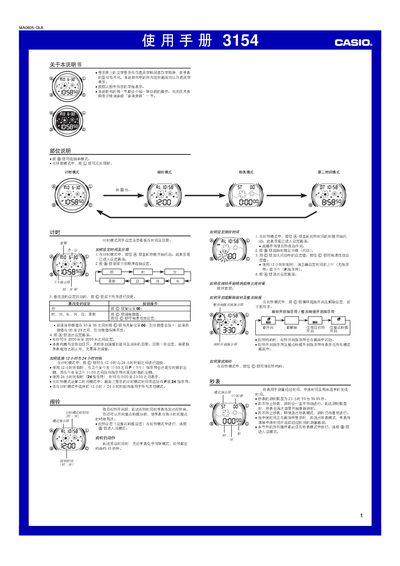
The manual explains how to set the current time and date, including year range 2000‑2099, and how to switch between 12‑hour and 24‑hour formats. It also covers daily alarm settings, hourly chime, and the second‑time‑zone function that synchronises with the main time.
Additional sections describe the stopwatch operation (up to 23 h 59 m 59.99 s), LED illumination options (1 s or 3 s), automatic return of the display after inactivity, and battery‑saving features such as automatic dimming after seven hours. This manual is written in Chinese.
| Year setting range | 2000‑2099 |
|---|---|
| Stopwatch range | 23 h 59 m 59.99 s |
| Automatic calendar | Adjusts month length and leap year automatically |
| Illumination type | LED with light guide |
| Automatic illumination dimming | Reverts to 1 s after 7 hours of use |
The stopwatch can measure up to 23 hours 59 minutes 59.99 seconds.
Enter alarm mode, set the desired hour and minute, and use the alarm‑on/off button to activate the daily alarm; the hourly chime can be turned on in the same mode.