
This document describes the operation methods of the manual for model 2285 and model 2415, including functions such as timing mode and database mode. The product is equipped with an automatic calendar and lighting function, and can store 25 records, suitable for daily use.
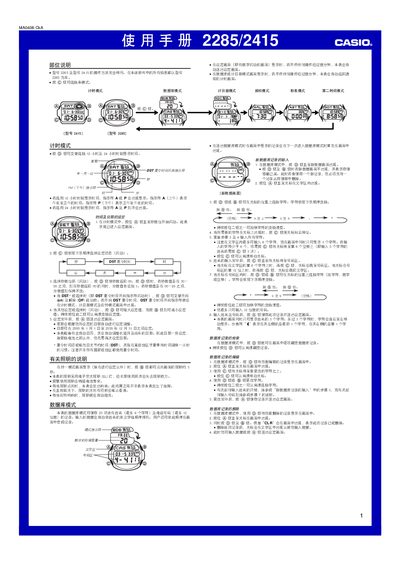
This manual provides step‑by‑step instructions for operating the Casio 2285/2415 device. It covers basic functions such as time and date setting, daylight‑saving time (DST) adjustment, and display brightness control.
The document also describes the various operating modes, including timer mode, stopwatch mode, data storage mode, and date‑difference mode, with details on 12‑hour/24‑hour formats, DST toggling, and how to clear or modify stored data. This manual is written in Chinese.
| Alternative date range | 1940‑01‑01 to 2039‑12‑31 |
|---|---|
| Initial factory date | 2001‑01‑01 |
| Time format | 12‑hour or 24‑hour |
Yes, the device supports both 12‑hour and 24‑hour formats; you can select the desired format in the time mode settings.
The device’s factory default date is set to 2001‑01‑01.