
The manual introduces the use of the watch, including the setting methods of time, date, alarm, countdown and other functions.
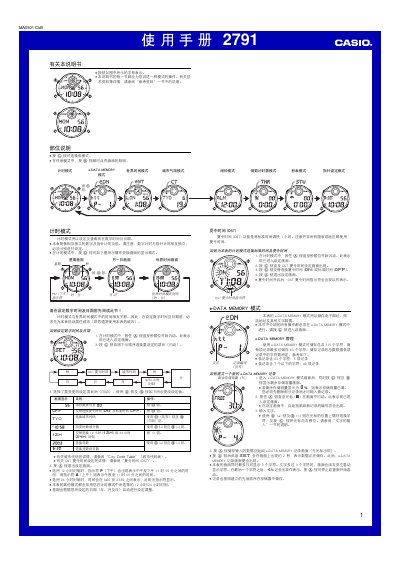
This manual provides step‑by‑step instructions for operating the Casio 2791 digital watch, covering time‑setting, alarm configuration, stopwatch, countdown timer, and hand‑setting functions. It describes how to navigate the different modes, such as Timekeeping, World Time, City Temperature, and e‑DATA MEMORY, using the watch's buttons.
The guide also includes details on storing text in e‑DATA MEMORY, using the City Code Table for world‑time settings, enabling daylight‑saving time, and operating the illumination feature powered by an electronic fluorescent panel. It outlines automatic display and power‑saving behaviors to help users get the most out of the watch. This manual is written in Chinese.
| Stopwatch display limit | 59 minutes 59.99 seconds |
|---|---|
| e‑DATA MEMORY capacity | 315 characters total (up to 63 characters per record) |
| Year setting range | 2000 – 2039 |