
This manual introduces the use of 2723 MA0408-CkA watch, including time, date settings, and neon lighting use.
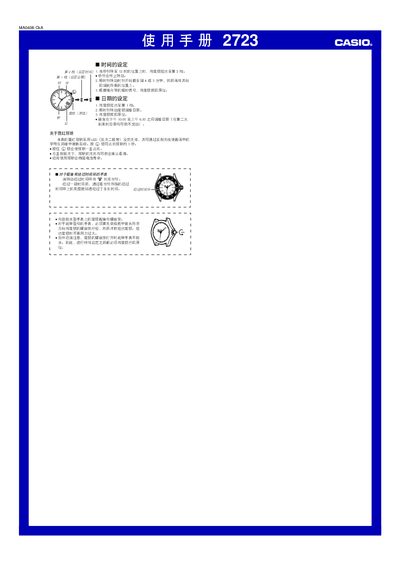
The manual explains how to set the time and date on the Casio 2723 watch. Pull the crown out to the second position to adjust the time, turn clockwise to set the hour and minute, then push the crown back. For date adjustment, rotate the crown in the first position, but avoid changing the date between 10:00 PM and 6:30 AM to prevent damage.
The watch features an LED backlight for illumination, which can shorten battery life if used frequently. Some waterproof models have a screw‑lock on the crown; the watch is not water‑resistant while the lock is open, so be sure to tighten the screw after making any settings. This manual is written in Chinese.
| Backlight type | LED |
|---|
Pull the crown out to the second position and turn it clockwise to adjust the hour and minute hands, then push the crown back.
Do not change the date between 10:00 PM and 6:30 AM, as the date may not advance correctly.