
This manual introduces how to set time, date, vibration alarm, countdown alarm and other functions.
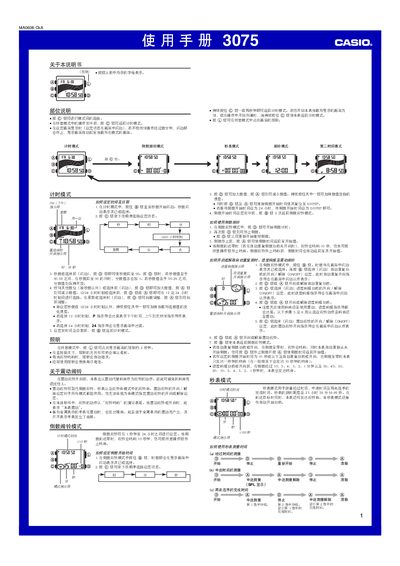
This manual describes the operation of the Casio 3075 watch, covering basic time‑setting, illumination, and mode selection. It explains how to use the timing mode, countdown timer, stopwatch, alarm, and second‑time mode, as well as how to enable or disable vibration alerts.
Detailed instructions are provided for switching between 12‑hour and 24‑hour formats, using the automatic start feature for the stopwatch, and configuring the target‑time and hourly chime functions. The guide also notes battery consumption when the backlight is used frequently. This manual is written in Chinese.
| Stopwatch maximum measurement | 23h 59m 59.99s |
|---|---|
| Automatic start countdown | 5 seconds |
Press the @ button (or the other @ button) to toggle between 12‑hour and 24‑hour time formats.
Press the @ button together with the @ button to clear the countdown start time and set it to 0.
In any mode, press the 0 button to light the display for about two seconds.