
This manual provides instructions and operation functions for the manual 3035 1 MA0605-CkA. The watch has functions such as stopwatch mode, world time mode, timer mode, and alarm mode. It also provides steps for setting the time, date, and daylight saving time. The use of the preset timer mode is also explained.
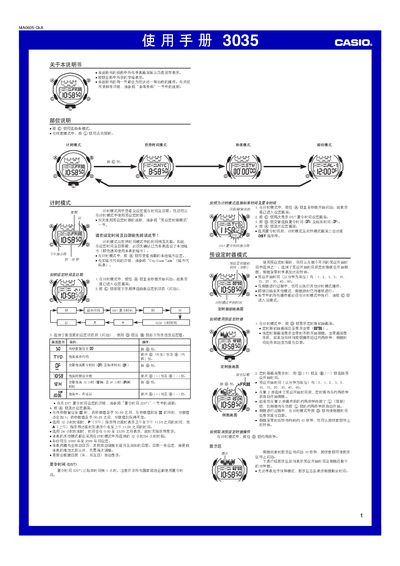
This manual provides step‑by‑step instructions for operating the Casio 3035 watch. It covers basic time setting, mode switching, daylight‑saving adjustments, and the use of the preset timer and stopwatch functions.
Additional sections describe the world‑time mode with city codes, illumination settings, alarm configuration, and automatic return to the timer mode after inactivity. The guide also includes a city‑code table for 48 cities and troubleshooting tips. This manual is written in Chinese.
| Year setting range | 2000‑2099 |
|---|---|
| Stopwatch display limit | 59 min 59.989 s |
In the relevant mode, press and hold the @ button for about 1 second to toggle between DST and standard time; a DST indicator will appear when enabled.
The stopwatch can measure up to 59 minutes, 59.989 seconds before it rolls over to zero.