
Watch user manual, introduces how to set time, date, daylight saving time, longitude, lunitidal interval, lunar phase chart, tidal chart and other functions
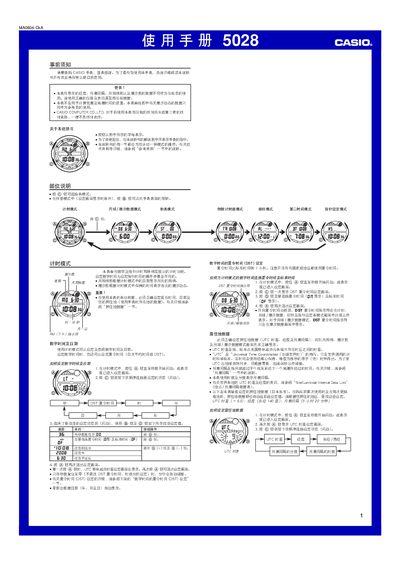
This manual explains how to operate the Casio 5028 watch. It covers basic setup such as setting the digital time, date, daylight‑saving time and location data, as well as configuring the three independent multi‑function alarms, the stopwatch, countdown timer and moon/tide data modes.
Detailed procedures are given for each mode, including how to adjust the hand (pointer) time, switch between 12‑hour and 24‑hour displays, enable illumination, and use the EL (electroluminescent) display. Safety warnings and usage notes are also provided. This manual is written in Chinese.
| Number of alarms | 3 multi‑function alarms |
|---|---|
| Stopwatch maximum display | 23 h 59 min 59.99 s |
| Display type | EL (electroluminescent) panel |
| Time format options | 12‑hour or 24‑hour |
| UTC offset adjustment range | 0.5 h steps from –11.0 h to +15.0 h |
Enter timer mode, press the @ button six times to reach hand‑setting mode, hold the button until the digital time flashes, then use the + button in 20‑second steps (or hold both buttons for fast adjustment) to move the hands.
The watch provides three independent multi‑function alarms that can be set for hourly, daily, monthly or yearly reminders, with options for one‑time or interval alarms.
The stopwatch can count up to 23 hours 59 minutes 59.99 seconds.