
This document is the user manual for the Master View USB 2.0 KVME CS-1772 / CS-1774 KVM Switch, which introduces the installation and use methods of the product
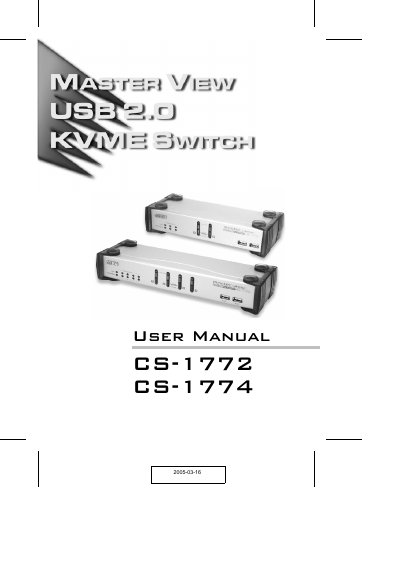
The ATEN CS-1772 and CS-1774 are USB KVM switches that let a single keyboard, mouse, and monitor control two or four computers, with integrated USB hub, Ethernet hub, and audio support. The switches offer asynchronous switching of video, USB, and audio focus, and include hot‑key and push‑button port selection.
This manual explains hardware installation, cable connections, port numbering, hot‑key configuration, keyboard emulation, firmware upgrade procedures, and troubleshooting steps. It also lists specifications, warranty information, and safety notices required for FCC compliance.
| Number of computers supported | 2 (CS-1772) or 4 (CS-1774) |
|---|---|
| USB ports | Two USB 2.0 ports |
| Maximum video resolution | 2048 × 1536 (DDC2B) |
Run the Firmware Upgrade Utility, follow the steps to start the upgrade, and verify the upgrade succeeded message.
Press the defined hotkey combinations (e.g., [Ctrl+Alt]) to select ports; hotkey settings can be configured in the Hotkey Setting Mode section.