
This document is the CS-221 CPU Sharing Device User Manual, which introduces the features and usage methods of the device.
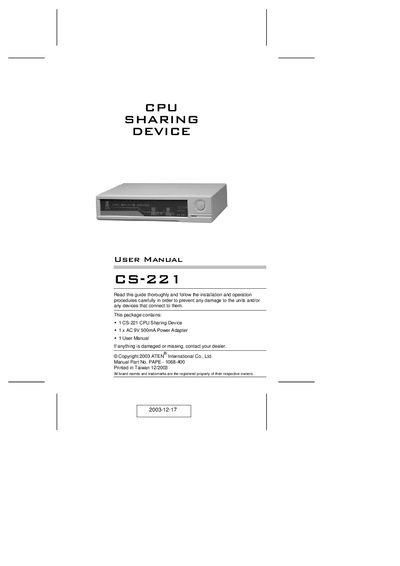
The CS-221 is a micro‑processor controlled CPU sharing device that lets two users share a single computer, each with their own keyboard, monitor and mouse. It is designed for small office environments where a full network is unnecessary.
The manual covers safety warnings, hardware connections, DIP switch settings, and operation modes (Auto, Manual, Private) along with detailed specifications and warranty information.
| Number of Users | 2 |
|---|---|
| Shared Functions | Keyboard, Monitor and Mouse |
| LEDs | 2 Consoles Selected |
| Timeout Settings | 5-90 Seconds |
| Weight | 2650 g |
| Dimensions (L x W x H) | 254 x 180 x 82 mm |
The CS-221 supports two users sharing a single computer.
Press the Manual Button or hit the Left Shift key six times to return to Auto Mode and select the other console.
Timeout can be set between 5 and 90 seconds using DIP Switches 1 and 2.