
When using the equipment, please note the following precautions to avoid fire or electric shock.
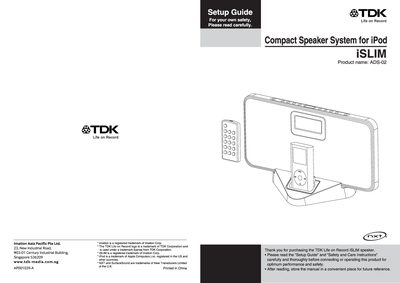
This manual covers safety and care instructions, package contents, and detailed part names for the TDK ADS-02 iSLIM Compact Speaker System. It explains how to assemble the base support, insert batteries, and connect power and audio cables.
Operating guidance includes power/standby control, clock and alarm settings, iPod docking, FM radio tuning, AUX input, equalizer selection, sleep timer, and troubleshooting tips. Technical specifications such as power supply, output power, dimensions, weight, and FM frequency range are listed at the end.
| Power supply | AC/DC adaptor input 230V-50Hz output DC 12V 1.0A |
|---|---|
| Output power | 2.5W x2 |
| Unit dimensions | 300 x 148 x 54 mm (W/H/D) |
| FM frequency range | 87.5 – 108 MHz |
Press the clock button until the time display flashes, then use the skip/search buttons to adjust hour and minute digits, and press the clock button again to confirm.
While in tuner mode, search the desired station, press the memory button, then press the preset/arrow button for the desired preset number and confirm with the memory button again.
The remote control uses a CR2032 button cell battery.