
This document is a user manual for the BIOS setup utility, which provides an overview of the main features and configuration options.
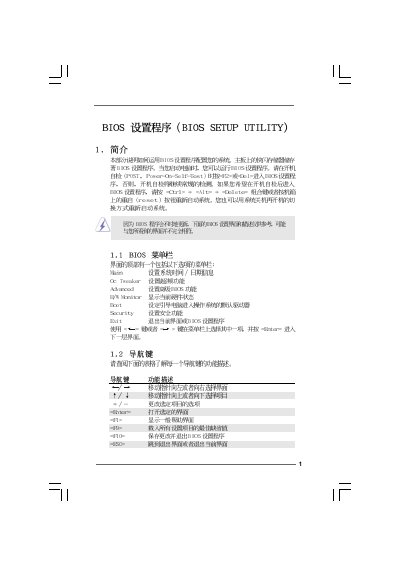
This manual provides step‑by‑step instructions for navigating the BIOS Setup Utility on the ASRock H55M-LE P1.00 motherboard. It covers the main menus such as OC Tweaker, Hardware Monitor, Boot, Security, and Advanced settings, allowing users to configure system time, CPU options, memory timings, and power management.
The guide also explains how to use the ASRock Instant Flash utility, change passwords, load default settings, and monitor hardware health events like CPU temperature and fan speeds. Safety warnings are included for overclocking and BIOS changes.
| BIOS Version | v02.54 |
|---|---|
| Cache Sizes | L1 128 KB, L2 1024 KB, L3 8192 KB |
| Memory Mode | Single‑Channel DDR3 |
Press F9 on the BIOS screen to load the default settings.
Enter the Security menu, select Change Supervisor Password, and follow the prompts.
Open Boot Settings Configuration and select the desired devices for 1st, 2nd, and 3rd boot priority.