
This document is a user manual for a BIOS SETUP UTILITY, which introduces the main functions, advanced settings, hardware monitoring, boot settings, security settings, etc.
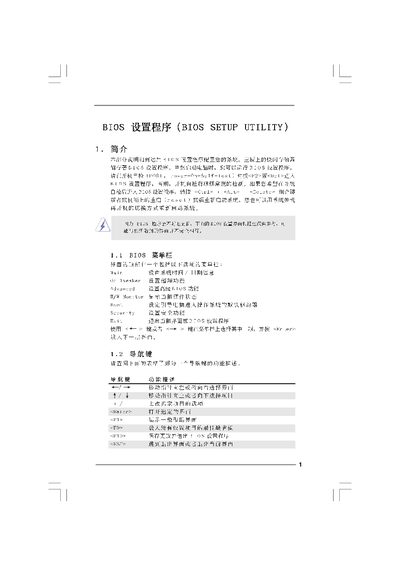
This manual explains how to access and configure the BIOS Setup Utility provided by American Megatrends. It covers the main screen, advanced options, CPU and memory settings, security features, and how to save or discard changes.
The document also describes overclocking options, voltage adjustments, and boot configuration, helping users fine‑tune system performance or restore default settings safely. This manual is written in Chinese.
| Processor Type | Intel(R) Core 2 Duo |
|---|---|
| Processor Speed | 4400 MHz |
| Total Memory | 2048 MB |
| Cache Size | 6144 KB |
| DDR3 Memory Size | 2048 MB |
Press during the Power‑On Self‑Test (POST) to open the BIOS Setup Utility.
Select the Save and Exit option (usually
Choose the Load BIOS Defaults option to restore the factory default configuration.