
This document is a user manual for BIOS setup utility. It describes the main functions and options, including system time, processor information, memory configuration, etc. The utility allows users to configure and optimize the system.
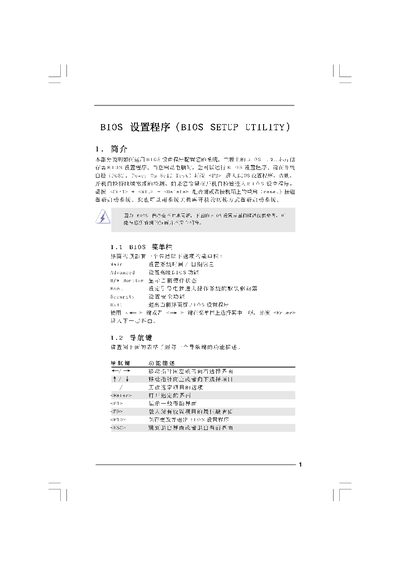
The document introduces the BIOS Setup Utility, describing how to enter it during POST (press F2) and the basic navigation keys. It outlines the main screen showing system information such as BIOS version, processor type, speed, and memory details.
Further sections cover the Smart Screen, Advanced Screen with over‑clock, CPU, chipset and power‑saving settings, the Security Screen for password configuration, and the Exit Screen for saving, discarding or loading default settings. This manual is written in Chinese.
| BIOS Version | P43DEP1.00 |
|---|---|
| Processor Type | Intel |
| Processor Speed | 2666Hz |
| Total Memory | 4096NB |
| DDR2 Memory Speed | DDR2 800 |
Press F10 to save the configuration and exit the BIOS Setup Utility.
Press F9 to load the default BIOS configuration.
During POST, press the F2 key to launch the BIOS Setup Utility.
Use the Advanced Screen and select Overclock Configuration to change CPU frequency and related parameters.