
This file is a BIOS setup screen of P45XE-WiFiN mainboard, showing some features of this mainboard, including CPU type, memory capacity, memory frequency and other information.
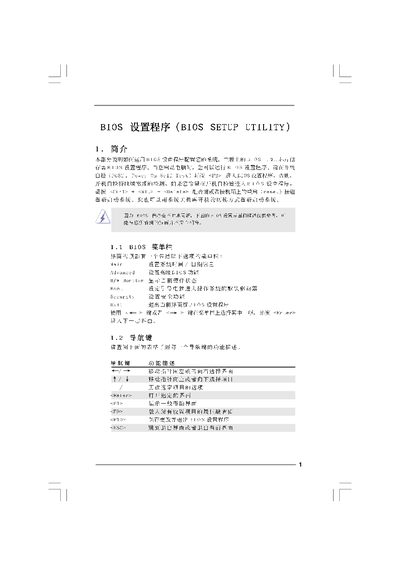
The document provides step‑by‑step instructions for navigating the BIOS Setup Utility, including the Main, Smart, Advanced, and Security screens. It describes how to view system information, adjust hardware parameters, and save or discard changes.
Key sections cover overclock configuration, CPU and memory settings, security password management, and exit options. The guide also includes default loading shortcuts and warnings about incorrect settings. This manual is written in Chinese.
| Processor Speed | 2.66 GHz |
|---|
Press F10 to save the changes and exit the BIOS Setup Utility.
Press F9 to load the default BIOS configuration.