
This document is a user manual for a BIOS setup utility. It explains how to make settings and adjustments in the BIOS, including main settings, advanced settings, hardware monitoring, boot settings, security settings, etc. It also mentions the risks and precautions of overclocking.
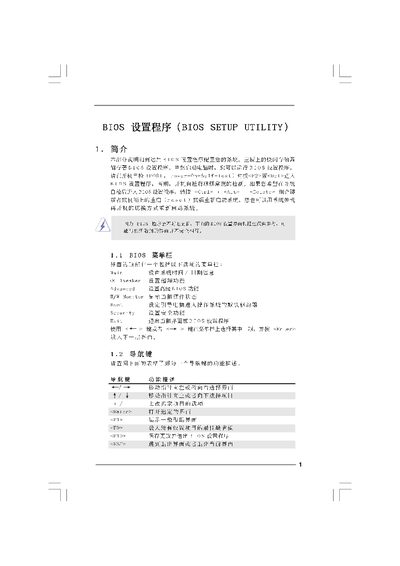
The BIOS Setup Utility manual provides step‑by‑step instructions for entering the BIOS, navigating the main screen, and using the various configuration menus. It describes how to access the utility during POST (press F2 or Delete) and outlines the key functions of each screen, such as the Main Screen, OC Tweaker, Advanced Screen, and Exit Screen.
The document details specific configuration options for CPU, memory, voltage, boot order, security, and instant flash updates. It includes tables of supported processors, memory types, and voltage ranges, as well as warnings about over‑clocking risks and instructions for saving, loading defaults, and exiting the BIOS safely. This manual is written in Chinese.