
This document is an instruction manual for the BIOS setup utility of the P45DE motherboard. It provides information on the main features, hardware monitoring, boot options, security settings, etc.
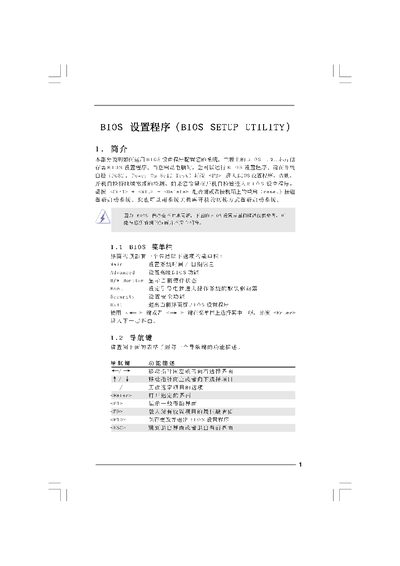
The BIOS Setup Utility manual provides step‑by‑step instructions for navigating the BIOS interface, adjusting system parameters, and saving changes. It covers the main screen, smart screen, advanced screen, and security options, with guidance on using function keys such as F9, F10, and ESC.
The document also details hardware monitoring information, overclocking settings, CPU and memory voltage adjustments, and how to load default configurations. It includes warnings about incorrect settings that could cause system instability. This manual is written in Chinese.
| Processor Type | Intel(R) Core(TM)2 Duo CPW E6670 @ 2.66GHz (64‑bit) |
|---|---|
| Cache Size | 4096KB |
| Total Memory | 4096MB |
| Memory Type | DDR2 800 (1024MB per channel) |
| BIOS Version | P4SDEP1.0O |
Press
Press
Press
The CPU voltage options are listed under the Advanced Screen in the BIOS Setup Utility.