
This is a BIOS setting for optimizing CPU performance using overclocking technology
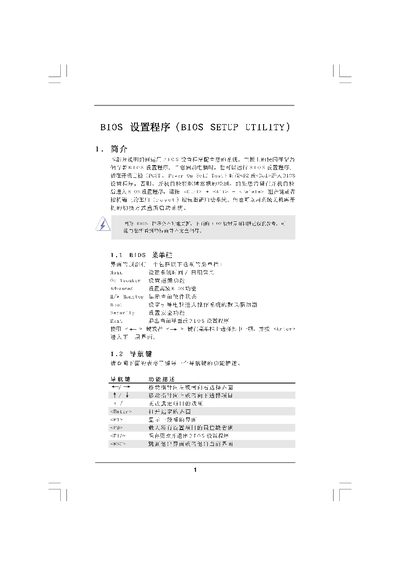
The BIOS Setup Utility manual explains how to navigate the BIOS interface, adjust system settings such as CPU frequency, memory timing, and security options, and save or discard changes. It includes detailed descriptions of each screen, key commands, and the effects of various configuration parameters.
The document also provides guidance on using advanced features like overclocking, boot options, and password protection, as well as instructions for loading default settings and exiting the BIOS safely. This manual is written in Chinese.
| System Memory | 1024 MB with 12‑bit shared memory |
|---|---|
| CPU Frequency (default) | 1200 MHz |
| DDR3 Speed | DDR3_1333 |
Press the ESC key or select the Exit option from the menu.