
This is the BIOS setup screen of a computer
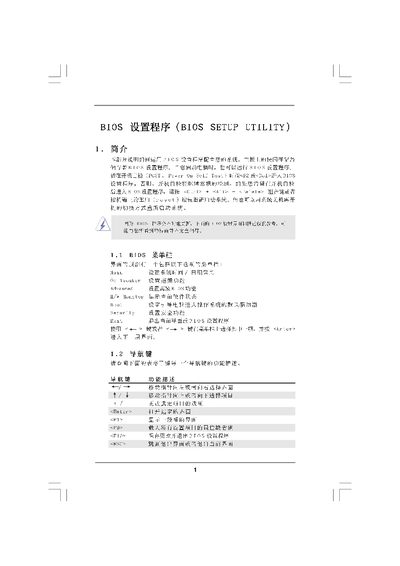
The BIOS Setup Utility manual provides step‑by‑step instructions for accessing and adjusting system settings during POST. It describes the main screen layout, menu navigation keys, and the purpose of each top‑level section such as OC Tweaker, Advanced, and Security.
Detailed chapters cover CPU configuration (including overclock modes and voltage limits), memory configuration and timing parameters, chipset options, and how to save, discard, or restore default settings. The guide also explains security password management and exit procedures. This manual is written in Chinese.