
This document is an instruction manual for the BIOS setup tool of a motherboard called M3N78D. The document describes various configuration options and features of the motherboard, including overclocking, CPU configuration, and memory configuration.
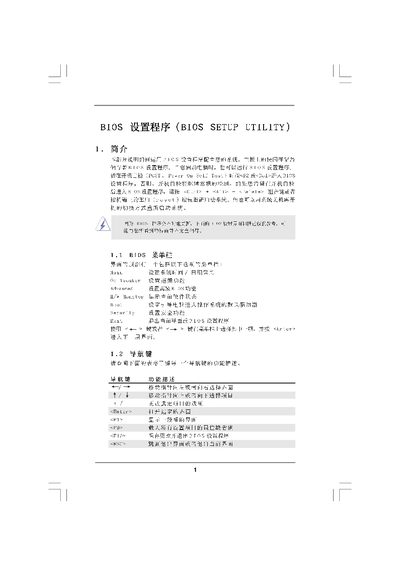
The BIOS Setup Utility manual provides an overview of the main screen, OC Tweaker screen and other configuration menus. It describes how to navigate the interface, change system date/time, view processor information and adjust advanced settings.
The document also covers memory timing, chipset voltage settings, security options, boot device selection and the procedures for saving, discarding or loading default BIOS configurations. This manual is written in Chinese.
| Cache Size (L1) | 256KB |
|---|---|
| Cache Size (L2) | 1024KB |
| Cache Size (L3) | 6144KB |
| DDR3_A1 Frequency | 2048B/533MHz |
| BIOS Version | Y02.54 |
Select the "Load BIOS Defaults" option in the Exit screen to restore the factory default configuration.
The System Date and System Time fields are on the Main Screen and can be edited with the keyboard.
The "Boot Up Num-Lock" setting disables the numeric lock function during boot.