
This document is a BIOS setup utility that displays an overview of the computer system, including system time, BIOS version, processor type and speed, cache size, memory size, etc. The document provides information about the features and characteristics of the product.
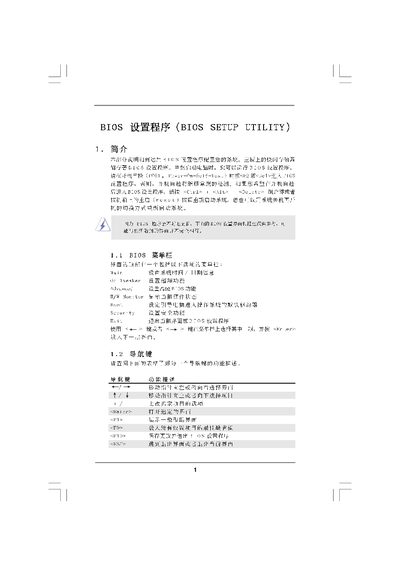
This manual describes the BIOS Setup Utility provided by American Megatrends. It guides users through the main screen, OC Tweaker screen, memory configuration, security settings and exit options, showing how to adjust processor, memory and chipset parameters.
The document includes step‑by‑step instructions for changing passwords, loading default settings, and saving or discarding changes. It also provides reference tables for clock speeds, voltage settings and timing parameters used during system configuration. This manual is written in Chinese.
| Processor Speed | 3000 MHz |
|---|
Select the “Discard Changes and Exit” option on the Exit Screen and confirm with OK.
Navigate to the Security Screen, select “Change User Password”, and follow the prompts.
Press F10 (or the “Save and Exit” key) to save the configuration and leave the utility.