
This is a BIOS setup description file for A790GMH/128M motherboard.
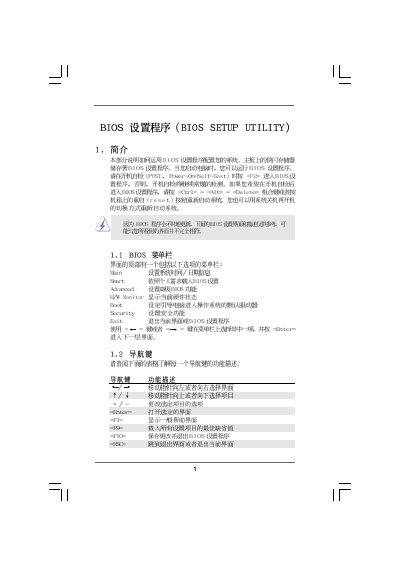
This manual provides detailed instructions for using the BIOS Setup Utility on the A790GMH/128M motherboard. It covers the General, Advanced, CPU Configuration, Chipset Settings, Boot Settings, Security Settings, and Hardware Health Event Monitoring screens, showing how to navigate with the keyboard and modify options.
Key functions such as loading default settings, saving changes, and configuring passwords are described, along with guidance on CPU frequency, memory timing, and power‑saving features. The document also includes hardware health monitoring data like CPU temperature and fan speeds.
| BIOS Version | v02.54 |
|---|---|
| Processor Type | AMD Phenom(tm) 9350e Quad-Core Processor (64bit) |
| Processor Speed | 2000MHz |
| Total Memory | 1024MB with 128MB shared memory |
Press F10 or select the Save and Exit option to store changes and leave the BIOS utility.
Press F9 or choose Load Defaults to restore the factory BIOS configuration.
Go to Security Settings, select Change Supervisor Password, and follow the prompts to set a new password.