
WinFast 6300MAX/MA Pro motherboard uses Socket 370 interface, supports Pentium II/III processors, memory supports dual-channel DDR SDRAM, maximum supports 1GB capacity.
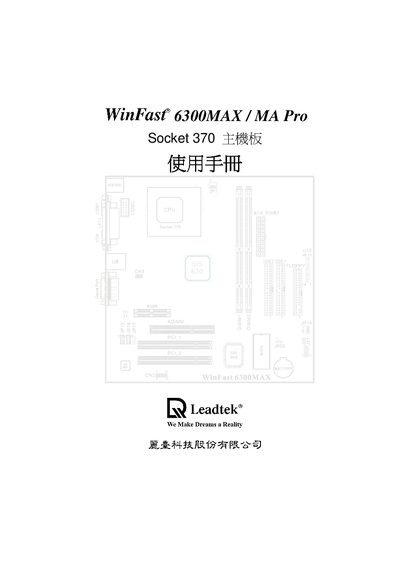
This manual describes the hardware features of the WinFast 6300MAX/MA Pro system board, including the SiS 630 chipset, supported Intel Socket 370 CPUs, SDRAM memory configurations, integrated graphics, audio codec, and the various connectors such as USB, VGA, IDE, and expansion slots.
It also covers BIOS configuration options like Standard CMOS Features, Advanced BIOS Features, Power Management Setup, password protection, and loading default settings, as well as supported operating systems (Windows 95/98, Windows NT 4.0, Windows 2000).
| CPU socket | Socket 370 |
|---|---|
| USB ports | 2 (USB1, USB2) |
| Expansion slots | Ultra‑AGP 4x, PCI |
Select the "Set Supervisor/User Password" entry in the BIOS menu to create or change the password.